

Fri Apr 02 2021
...
Customizing Email Footer Logos
Preface
When non-sso users interact with FastComments and they provide an email, we create an account for them. As part of this process, we'll send them a welcome email and an email to verify their vote or comment.
The From Name and Email in those emails can be customized via the domains page.
What's New
Now it's not just the From Name and Email that can be customized - you can also customize the logo in the footer of the email itself.
What is the Footer Logo?
We can see that if we upload a picture of Harold, he will appear in the footer of our email:
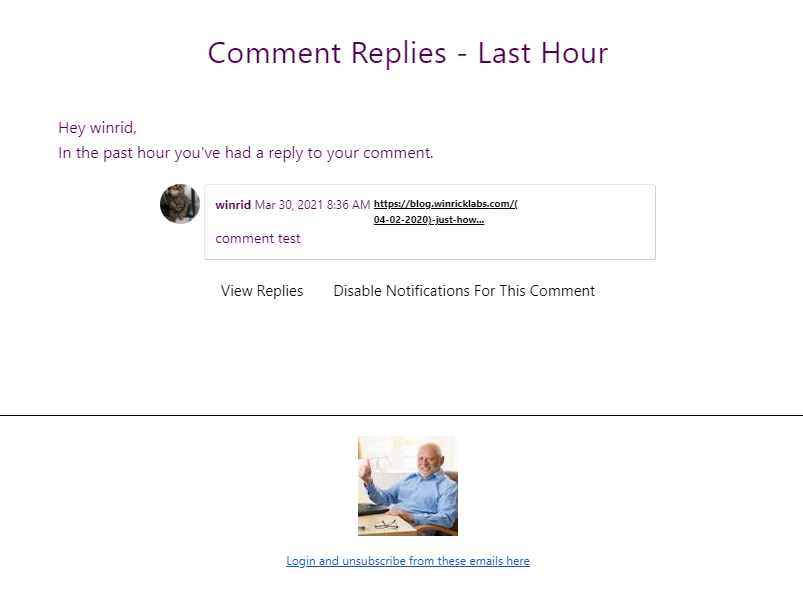
Normally, a small version of the FastComments logo displays, but we can override it.
Different Logo Per Site
You can customize a different logo for each domain in your account, creating a more consistent experience for your users. Our multi-site documentation has been updated to reflect this.
Impact to Existing Customers
If you're an existing customer using FastComments, your users will not experience any change in functionality unless you change the email logos from the default.
How do I get it?
Custom branding is currently available with the FastComments Pro and Enterprise plans.
In Conclusion
Happy commenting!