Sun Feb 23 2020
...
How to Require Approval for All Comments
By default, no approval process is required with FastComments. Your users comment, and their comments are immediately available for the entire internet to see (though with the unverified tag if they are not logged in). So what if you want to manually moderate and approve every comment?
Disabling automatic comment approval means you or your moderators will need to approve every comment before they appear publicly.
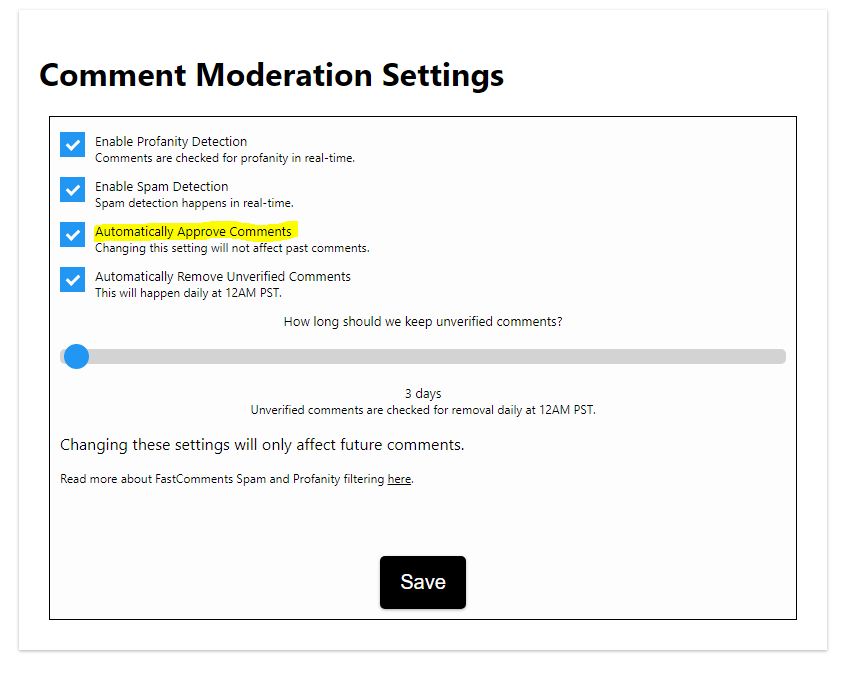
First, go to the Moderation Settings page via Moderate Comments -> Edit Moderation Settings.
On this page, there is an option called "Automatically Approve Comments." Uncheck that and hit save.
That's it. All of your comments will now require approval.
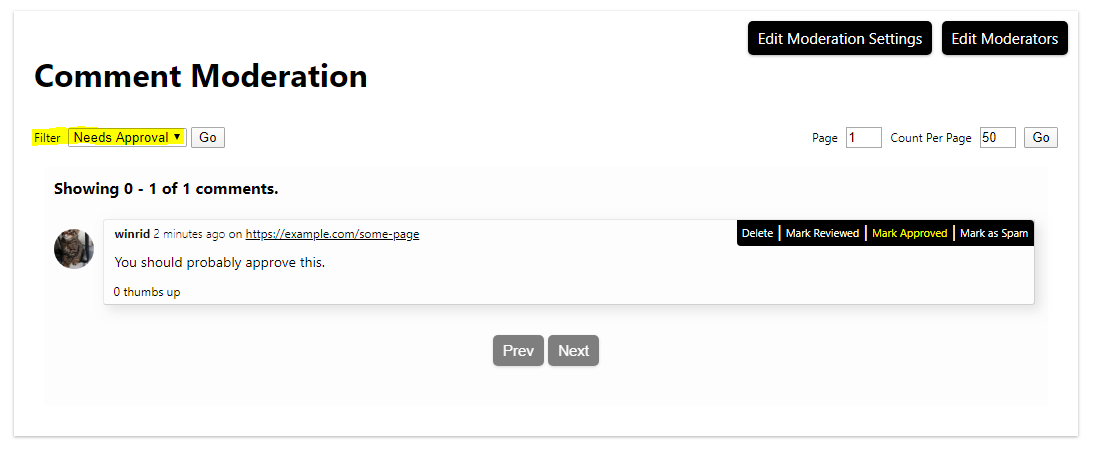
To approve comments, you can filter as desired and click the "Mark Approved" option. If the option changes to "Mark Not Approved," that means it saved.
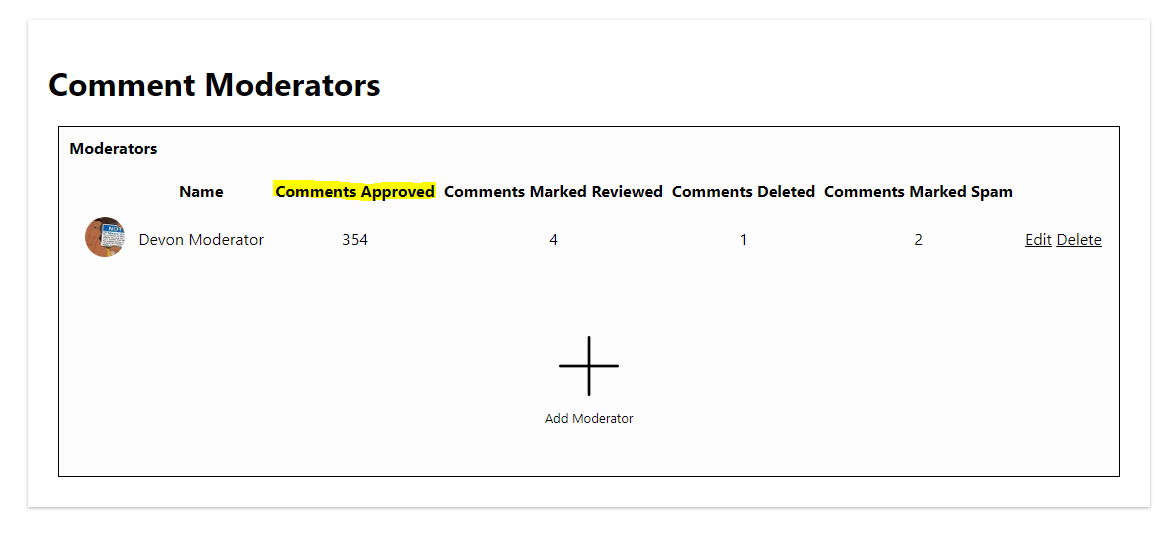
You can view how many comments your moderators approve via the Moderators page: